
Safety instructions signed electronically
The employee receives a link by e-mail and signs with a one-time code. You keep a PDF with an audit page that a third party can also verify.
- No accounts or passwords
- On a phone or computer
- Public signature verification
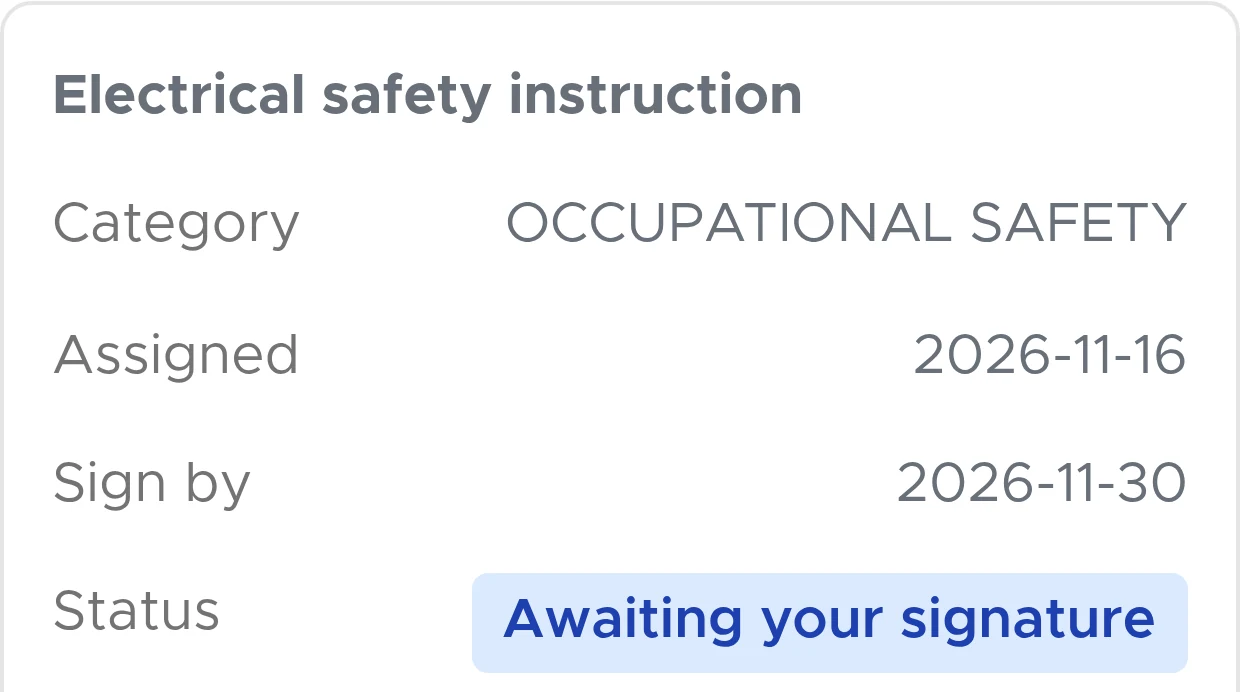
How an employee signs
-
A link by e-mail
The employee opens the document on a phone or computer. No account or password is needed.
-
Reads and, if required, answers
If the specialist has added a comprehension test, the employee answers it.
-
Signs with a code
Confirms their identity with a one-time code from an e-mail and presses “Sign”.
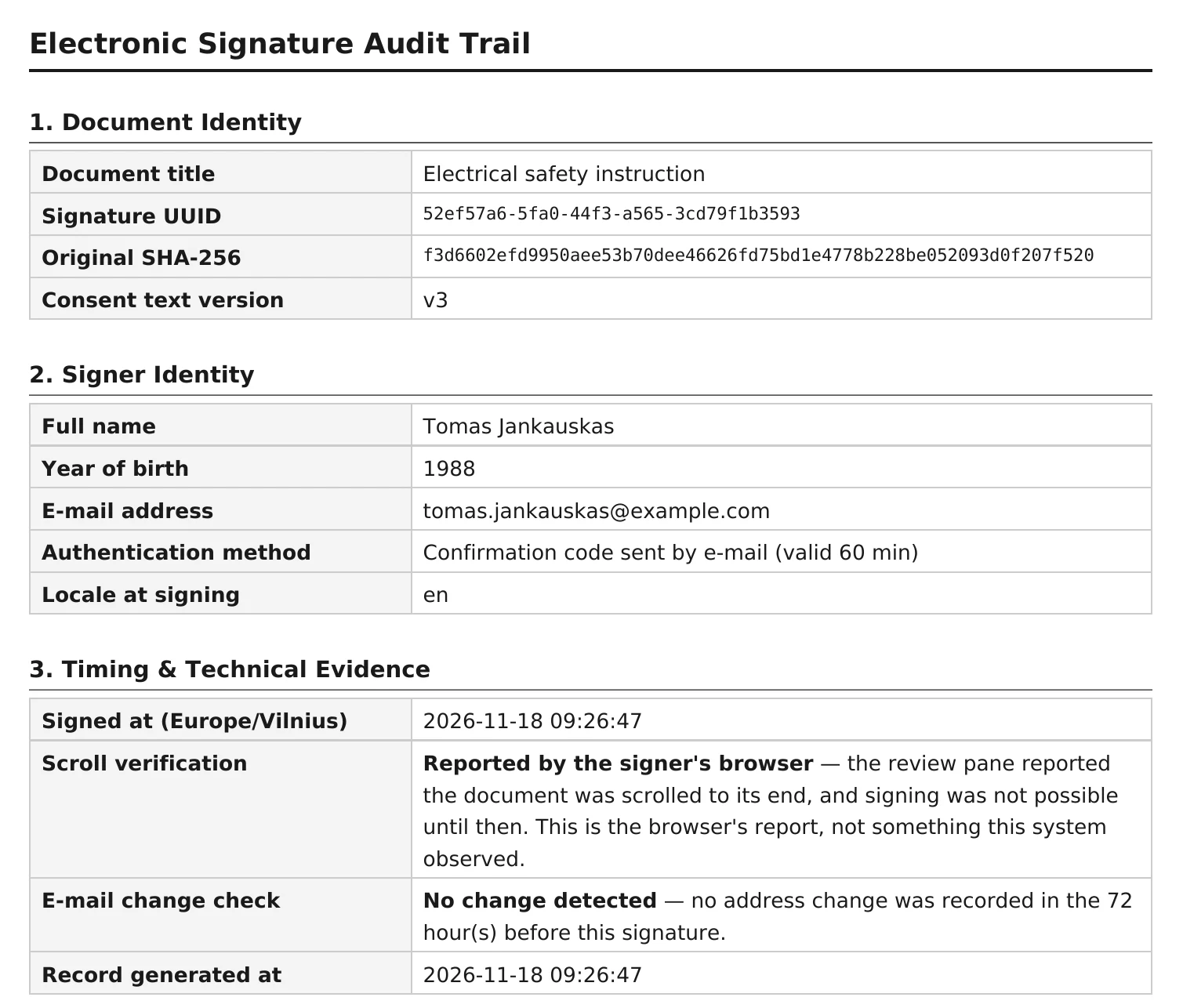
What is recorded
Together with the signature, the system records the employee’s first name, surname and date of birth, the signing time, IP address, browser information and the method of identity confirmation.
SHA-256 checksums of the original and the signed document are stored, and any later change shows up in the chain of records.
The signed document is stored as a PDF with an audit page: who signed, when, how their identity was confirmed and the checksum of the original file.
Anyone can verify
The QR code on the audit page opens a public verification page. It shows the signature status, signing time, timestamp status and the SHA-256 checksum of the signed copy. It does not show personal data or the document itself.
For every signature, a timestamp is requested from BalTstamp, a qualified trust service provider. The timestamp confirms, independently of DocBee, that the document existed at the time of signing.
What the signature means legally
DocBee creates a simple electronic signature, not a qualified one. Under Article 25(1) of the eIDAS Regulation, its legal effect and admissibility as evidence cannot be denied solely on the grounds that it is in electronic form.
Whether the signature is sufficient for a specific document is for the employer and its lawyers to decide. Electronic signing can be disabled for an instruction category, for example work under permits: the system then does not allow such documents to be signed unless you enter a written reason for the exception.
Signed safety instructions go into the instruction register, and the employee signs PPE (personal protective equipment) cards the same way.
Frequently asked questions
More answers on the FAQ page.
How can I check that a signature is genuine?
Anyone can check, without an account. Scan the QR code on the audit page: it opens a public verification page with the signature status, signing time, timestamp status and the SHA-256 checksum of the signed copy. It does not show personal data or the document itself. Recalculate the SHA-256 checksum of your PDF file and compare it with this one to confirm that the file has not been changed.
Do employees need to register?
No. The employee receives a link by e-mail, reads the document and signs with a one-time code on a phone or computer. Accounts are for the people who manage documents: specialists and the company’s responsible persons.
Can documents be provided in several languages?
Yes. The employee receives the version of the document in their own language or, if there is none, the first version uploaded.
See DocBee live
We will show you how an employee signs and what you receive.
Book a demoor write to [email protected]