
Medical check and certificate expiry tracking
You enter expiry dates; the system shows what is about to expire and notifies the people who need to know.
- Medical check records (medical books)
- Certificates and other deadlines
- Periodic safety instructions
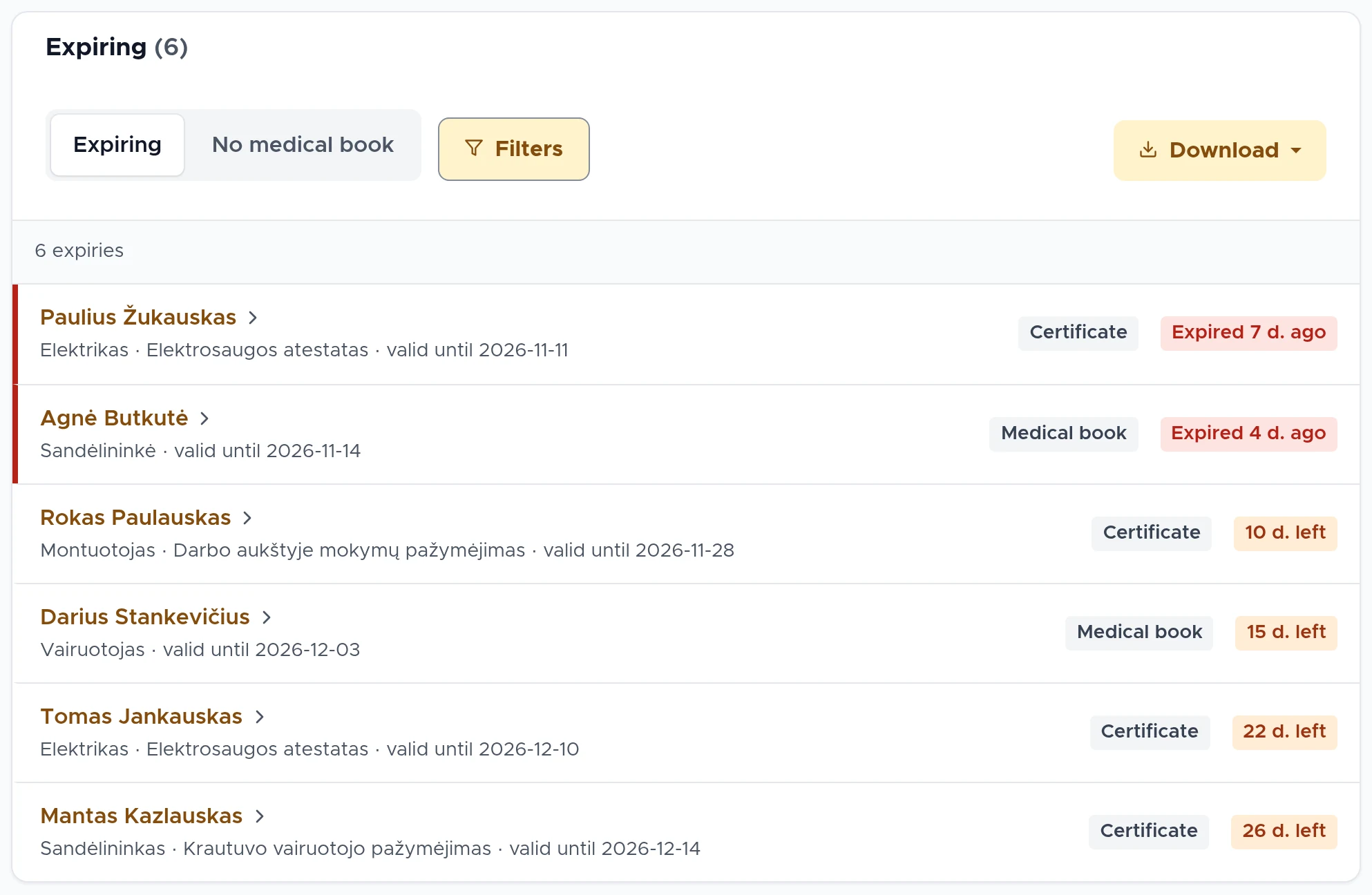
What is reminded, and how
You enter expiry dates: for the medical check record, certificates and others. The system notifies differently for different deadlines.
Medical check record
The system reminds the employee by e-mail, by default 30, 15 and 5 days in advance.
Certificates and other expiry dates
A summary of expiring certificates and issued equipment is sent to the company’s e-mail address. The employee does not get a separate e-mail.
Periodic safety instructions
Before a signature expires, the system creates a new signing request and reminds the employee.
Unsigned documents
For documents assigned for the first time, you send the reminder yourself, with one button.
Deadlines and overdue items in one place
You see who has not signed yet, who is overdue and when validity periods end. You remind those who have not signed with one button: the employee receives one e-mail listing all their unsigned documents.
You set the repeat interval for a document yourself, for example every 12 months. Every repeat signature goes into the instruction register.
Summaries for managers
The system sends summaries to the company’s responsible persons on the weekdays you choose: who has not signed and what is about to expire. Each company names at least one summary recipient.
The system sends its own reminders about periodic safety instructions and medical check records. The manager does not have to track deadlines in a spreadsheet, and the specialist sees the full picture in one place.
Frequently asked questions
More answers on the FAQ page.
Are medical checks and certificates tracked?
Yes. You enter expiry dates: for the medical check record (medical book), certificates and others. The system shows what is about to expire, reminds the employee about their medical check record and sends the company summaries of upcoming expiries.
Are safety instructions repeated automatically?
Yes. A document can be marked as periodic, for example every 12 months. The system creates a new signing request before the previous one expires and reminds the employee 30, 15 and 5 days in advance.
How do I see who has not signed, and how do I remind them?
The page of each document shows who has signed, who is pending and who is overdue. You send a reminder with one button: the employee receives one e-mail listing all their unsigned documents. The system sends summaries to the company’s responsible persons on the weekdays you choose.
See DocBee live
We will show you how expiry tracking and reminders would look for you.
Book a demoor write to [email protected]